
Keyboard (MIDI)
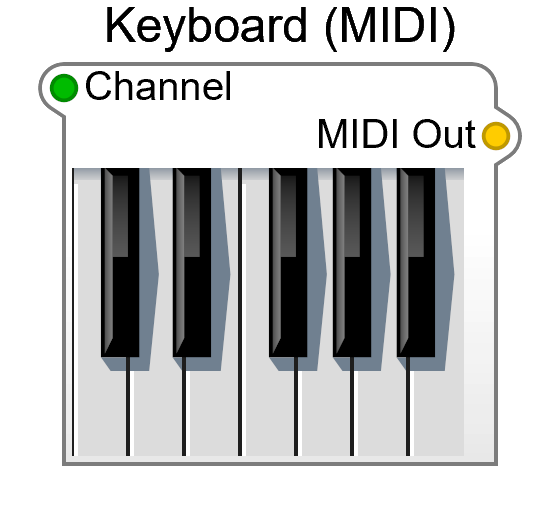
Keyboard (MIDI) is the current on-screen piano. It lives under Controls in the Module Browser, and puts out a stream of MIDI notes you can play with the mouse — the quickest way to hear a synth while you’re building it, with no hardware and no DAW involved.
It replaces the Old-category Keyboard, which has the same two plugs. A sibling module, Keyboard (MPE), is also under Controls; use that one for per-note pitch bend and pressure.
Inputs
Section titled “Inputs”| Pin | Type | Description |
|---|---|---|
| Channel | Control | MIDI channel to send on (All, or 1–16) |
Outputs
Section titled “Outputs”| Pin | Type | Description |
|---|---|---|
| MIDI Out | MIDI | MIDI note data |
Wire MIDI Out to a MIDI-CV 2’s MIDI In. The cord is yellow — SynthEdit’s colour for MIDI. MIDI-CV 2 turns the notes into the pitch, gate and velocity voltages that drive the rest of the patch.
Keep it outside the container you export
Section titled “Keep it outside the container you export”This is a panel control, so anything you put it inside becomes its home — including a container you later export as a plugin, where an on-screen piano is rarely what you want in the GUI.
Leaving it outside your synth’s container has a second effect that matters more: the cord crossing the boundary gives the container a MIDI In plug, and that plug is exactly where a DAW delivers its notes once the plugin is loaded. Playing the synth in the editor and playing it from a host then use the same connection.
See Creating VST Plugins for the rest of the export rules, and Your First Synth for a worked example.