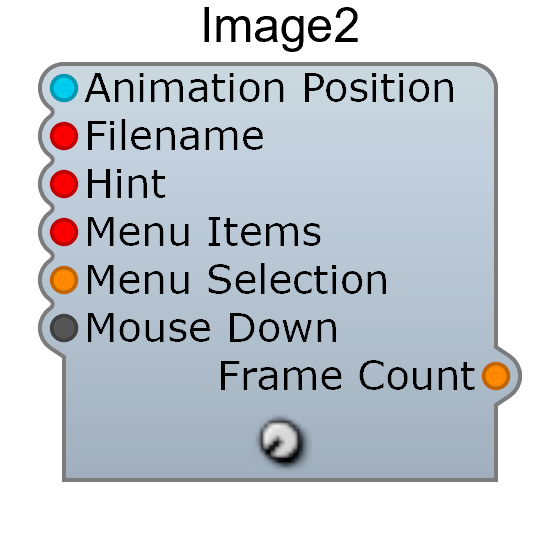
The Image module displays a bitmap image (.bmp or .png) on the panel. It can display animated sequences by selecting frames based on a control voltage.
| Pin | Type | Description |
|---|
| Animation Position | Control | Frame selection (0–1 range selects the frame) |
| Filename | Text | Image file path |
| Hint | Text | Tooltip text |
| Menu Items | Text | Right-click context menu items |
| Mouse Down | Control | Receives mouse click events |
| Pin | Type | Description |
|---|
| Frame Count | Control | Number of frames in the animation |
- An optional
.txt file alongside the image describes animation frames and behavior
- Add
mouse_response click in the text file to enable mouse interaction and tooltip display
- Useful for creating custom knobs, switches, and decorative panel elements
