
Tinted Image
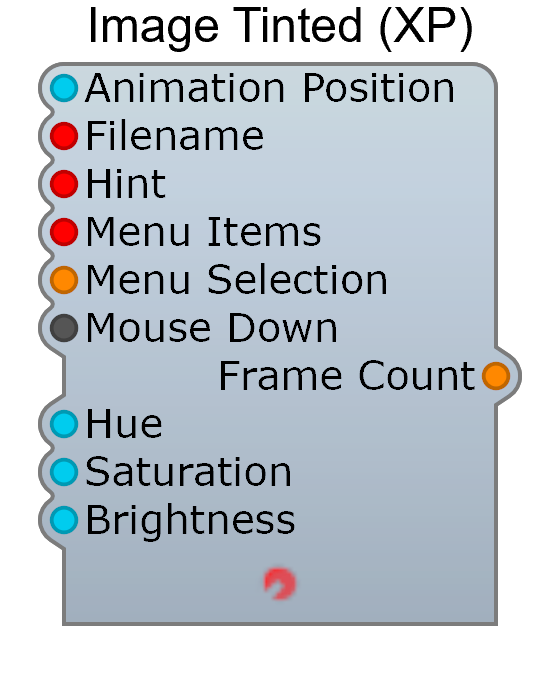
The Tinted Image works like the Image module but adds a colorization layer. This lets you reuse the same image file in different colors — for example, creating LEDs that change color.
Usage Notes
Section titled “Usage Notes”- For best results, draw the source image as white on a black background
- The tint color is multiplied with the image, so white areas take the full tint color
- Useful for creating multi-colored indicator LEDs from a single image file